How to Buy a Used Camera Online
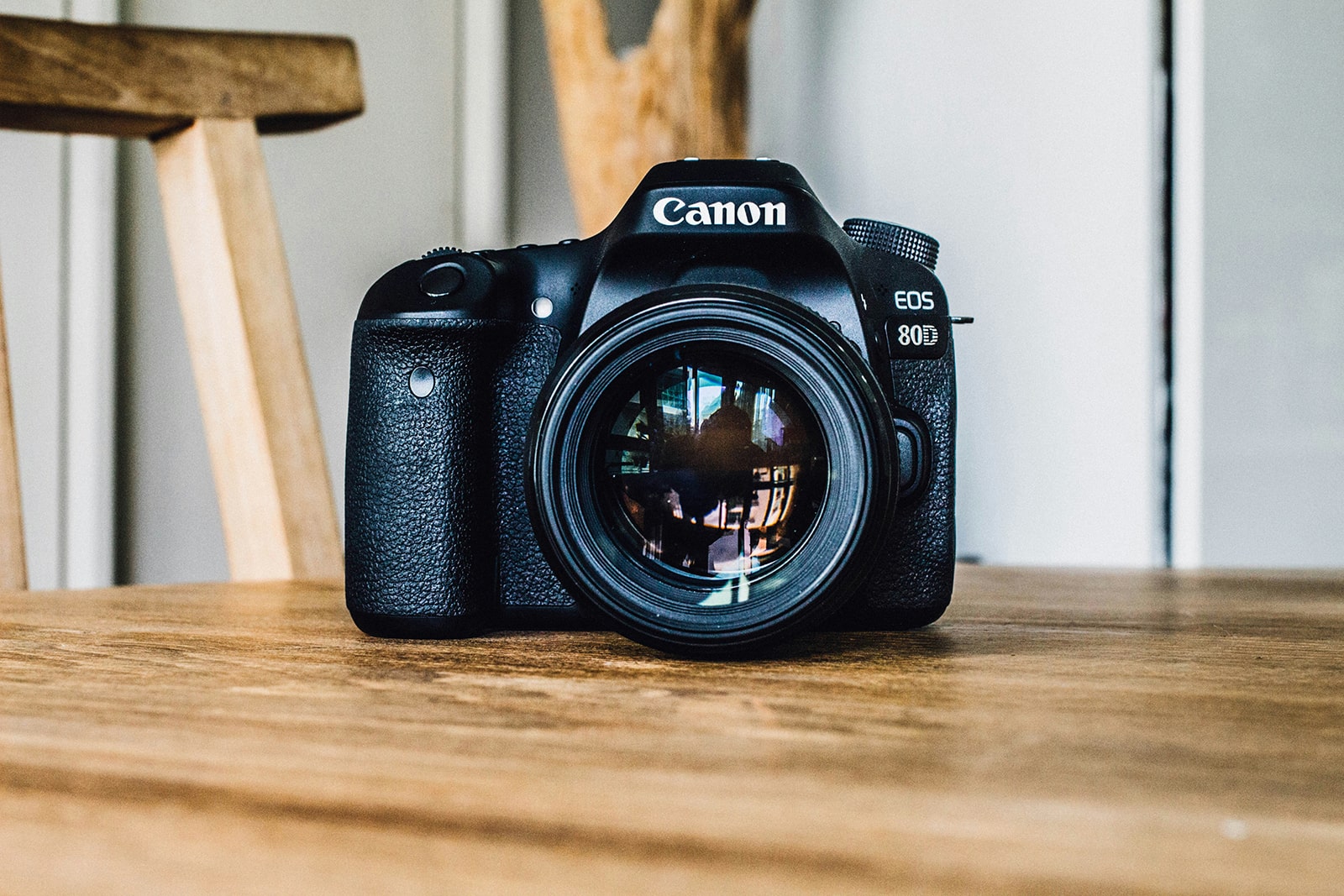
Buying a used camera online can be a cost-effective way to get high-quality gear, but it also comes with risks. Photography equipment is delicate and must be carefully inspected to avoid mistakes and damages. Since you can’t check the camera in person, you need to take extra steps to verify its condition and authenticity. Here’s how to buy a used camera online safely and securely.
1. Determine Your Needs
Before shopping, identify what you need. Are you a beginner looking for a budget-friendly DSLR or mirrorless camera? Do you need a high-end model for professional work? Understanding your requirements helps narrow down the options.
2. Research the Market Price
Check the current market price of the camera model you’re considering. Compare listings on trusted photography marketplaces, eBay, and other classified sites. Always remember, if a deal seems too good to be true, it probably is.
3. Ask for a Video Call Inspection
Since you can’t see the camera in person, request a video call with the seller. Ask them to show the camera’s body, buttons, dials, and LCD screen while you guide them through key inspection points. Also check if it was listed as stolen - check the serial number on Lenstag or Stolen Camera Finder to see if it’s reported stolen.
4. Request a Shutter Count Verification
A camera’s shutter count reflects how many times the shutter has been activated. Since every model has an expected shutter lifespan, checking this is crucial. Ask the seller to send an unedited photo taken with the camera, then upload it to online tools like:
-
CameraShutterCount.com
-
MyShutterCount.com (for Nikon and Sony cameras)
-
ExifTool (for advanced metadata analysis)
5. Examine the Sensor and Lens Mount
Request close-up photos of the sensor and lens mount to check for scratches, dust, or damage. Any sensor issues can significantly affect image quality.
6. Ask for Sample Images
Request recent photos taken with the camera in different lighting conditions. Check for sharpness, exposure accuracy, and potential sensor defects.
7. Verify the LCD and Viewfinder Condition
Ask for a video showing the LCD screen and viewfinder in use. Look for dead pixels, discoloration, or signs of damage.
8. Confirm Autofocus and Button Functionality
During the video call, ask the seller to demonstrate autofocus by focusing on different objects and pressing all buttons and dials to confirm they respond correctly.
9. Check Battery Health and Accessories
Ask if the seller includes original accessories like chargers, batteries, and straps. Since older cameras may have weak batteries, consider buying an extra battery if the camera doesn’t hold a charge well.
10. Verify the Seller’s Reputation
If purchasing from a marketplace, check seller reviews and feedback. Avoid sellers who refuse to provide additional photos, video proof, or detailed answers.
11. Buy Securely with UsedCameraForSale.com & Escrow Payments
To protect yourself from scams, use UsedCameraForSale.com, which connects buyers and sellers safely. Use escrow-like payment services, fully integrated into the platform, which hold the payment until you receive and verify the camera.
Final Thoughts
A well-maintained used camera can perform just as well as a new one, but online purchases require extra caution. By requesting video proof, checking the shutter count, and buying securely through UsedCameraForSale.com with escrow payments, you can confidently invest in quality photography gear. Happy shooting!
Cover photo by Hanson Lu - Unsplash